C#
[유니티] 코루틴을 이용한 라이트 밝기 조절
아스키의 공부방
2023. 8. 28. 23:48
728x90
반응형
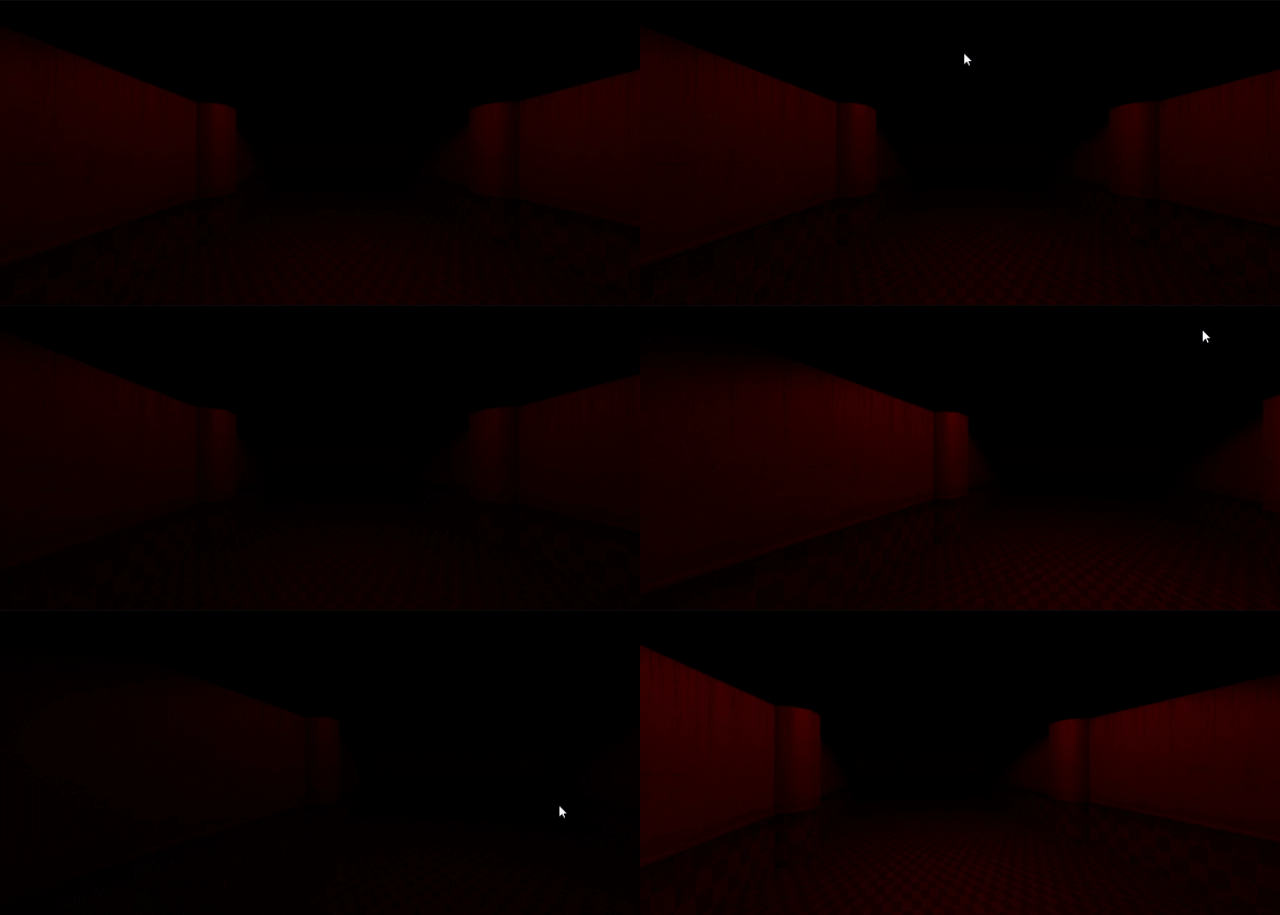
코루틴을 이용하여 라이트의 값을 변경함.
using System.Collections;
using System.Collections.Generic;
using UnityEngine;

public class LightControl : MonoBehaviour
{
    private float currentValue = 0f; // 현재 빛의 밝기 값
    private float duration = 1f; // 밝기 변화에 걸리는 시간 (초)
    private bool brightness = false; // 빛의 밝기가 높아지고 있는지 여부

    private void Start()
    {
        StartCoroutine(ToggleBrightness()); // 토글 코루틴 시작
    }

    private IEnumerator ToggleBrightness()
    {
        while (true)
        {
            if (!brightness) // 빛의 밝기가 낮을 때
            {
                yield return StartCoroutine(LightControlONCoroutine()); // 빛을 밝게 하는 코루틴 실행
            }
            else
            {
                yield return StartCoroutine(LightControlOFFCoroutine()); // 빛을 어둡게 하는 코루틴 실행
            }

            yield return new WaitForSeconds(0.25f); // 0.25초 대기
        }
    }

    private IEnumerator LightControlONCoroutine()
    {
        float elapsedTime = 0f;

        while (elapsedTime < duration)
        {
            currentValue = Mathf.Lerp(10f, 20f, elapsedTime / duration); // 10에서 20으로 밝기 증가
            elapsedTime += Time.deltaTime;
            GetComponent<Light>().range = currentValue; // 빛의 밝기 값을 설정
            yield return null;
        }

        brightness = true; // 밝기가 증가 중임을 표시
    }

    private IEnumerator LightControlOFFCoroutine()
    {
        float elapsedTime = 0f;

        while (elapsedTime < duration)
        {
            currentValue = Mathf.Lerp(20f, 10f, elapsedTime / duration); // 20에서 10으로 밝기 감소
            elapsedTime += Time.deltaTime;
            GetComponent<Light>().range = currentValue; // 빛의 밝기 값을 설정
            yield return null;
        }

        brightness = false; // 밝기가 감소 중임을 표시
    }
}
728x90
반응형